Be there.
Find our upcoming events and register, all in one place.
GOOD THINGS. CLOSER TO YOU.
The events you love. The vouchers you want.
Your SLK world, right in your pocket.
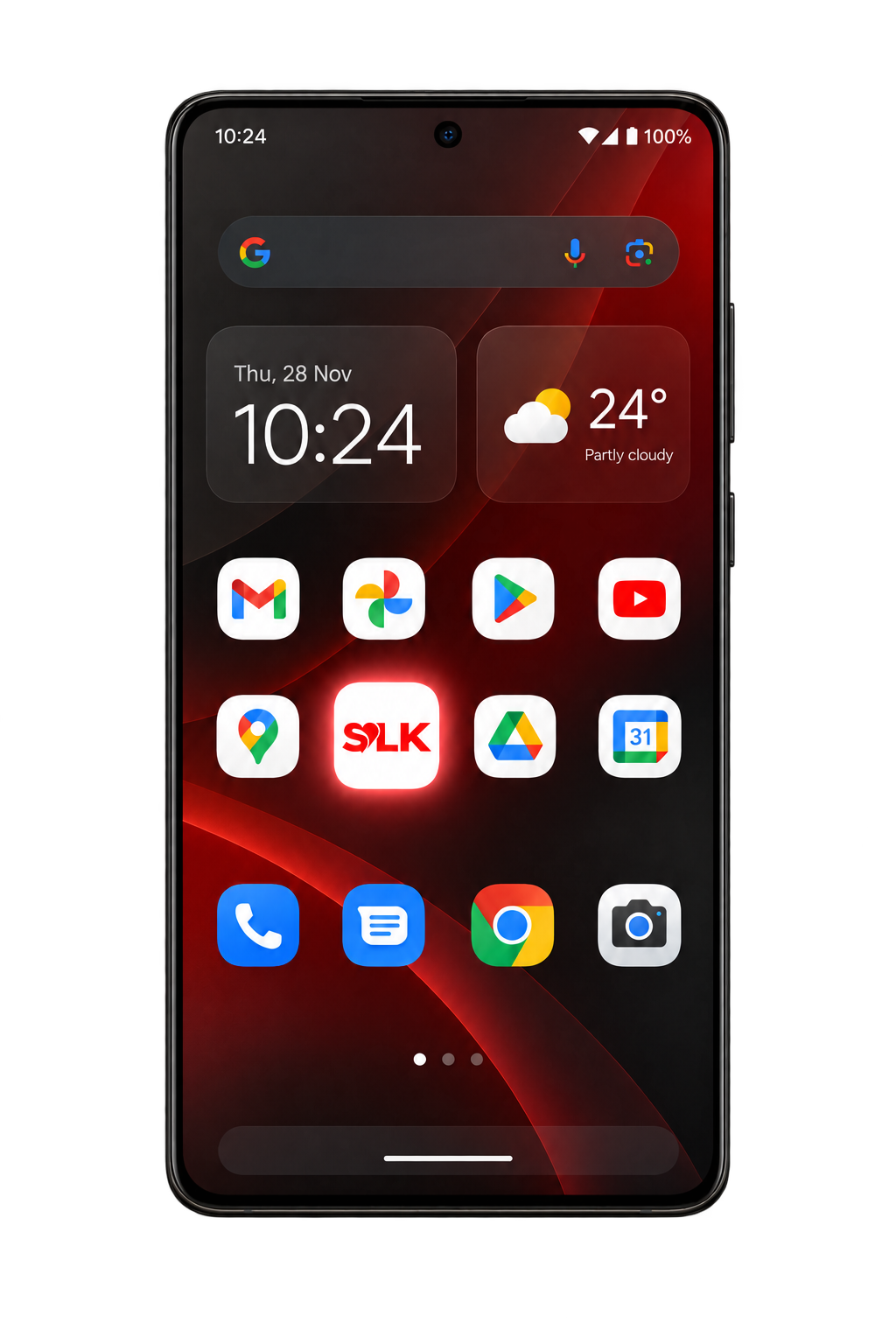
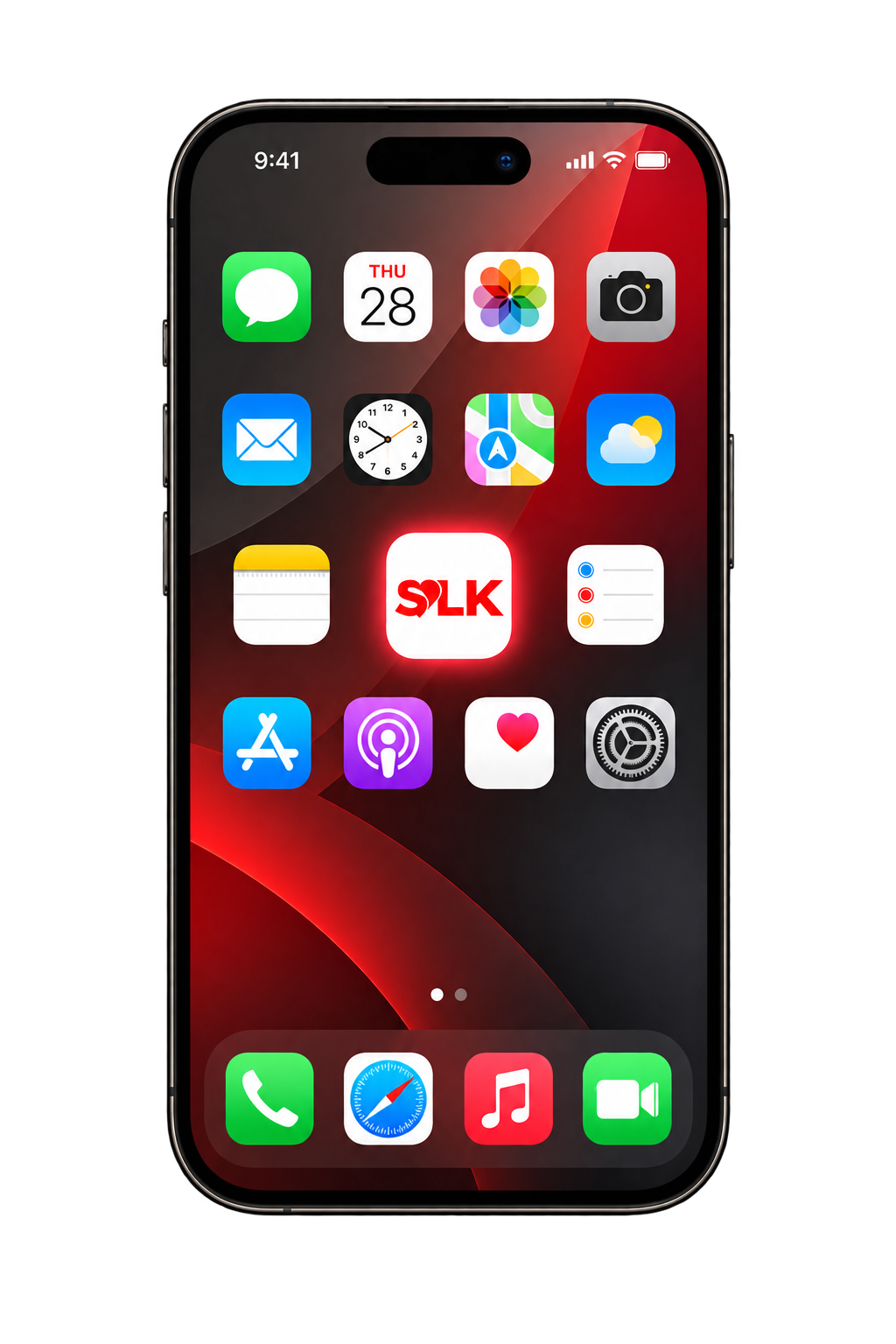
LESS SEARCHING. MORE LIVING.
A simpler way to stay connected
to the community you love.
Find our upcoming events and register, all in one place.
View, claim and redeem your vouchers from your phone.
Allow notifications in the app for new events and vouchers.
Visit the SLK shop, straight from the app.
MAKE ROOM FOR SOMETHING GOOD.
Open the website. Add it to your home screen.
That’s it. You’re in.
One tap from here.
Follow these steps on your iPhone.
Tap the Share icon. Depending on your Safari layout, tap the three dots first.
ShareScroll down, choose Add to Home Screen, then tap Add. Keep Open as Web App on if shown.
Add to Home ScreenStay in the loop. Once you’re in, allow notifications when prompted for SLK updates.
FOR iOS USERS
Using an iPhone? Check out this quick video to see how to add SLK to your home screen.
Tap play and follow along. Pause whenever you need to.
YOUR COMMUNITY IS WAITING.